💎 Official Seedance 2.0 VIP: 1080p, Face Restore. No Waiting!Try It Now 🔥

Make your next movie with AI.

Turn a story, script, or visual idea into cinematic scenes with a simple AI workflow. Plan the moments, direct every shot, and build a film that feels like yours without moving between disconnected tools.

Direct the details that make a film feel like yours.

Turn a script into a visual plan

Start with a one-line premise, a scene outline, or a full script. LitMedia helps translate the story into a structured sequence of visual beats, so you can review the pace, key moments, and overall look of the film before committing to individual generations. It is a practical first step from an idea on the page to scenes a creative team can discuss.
Give every scene a clear direction

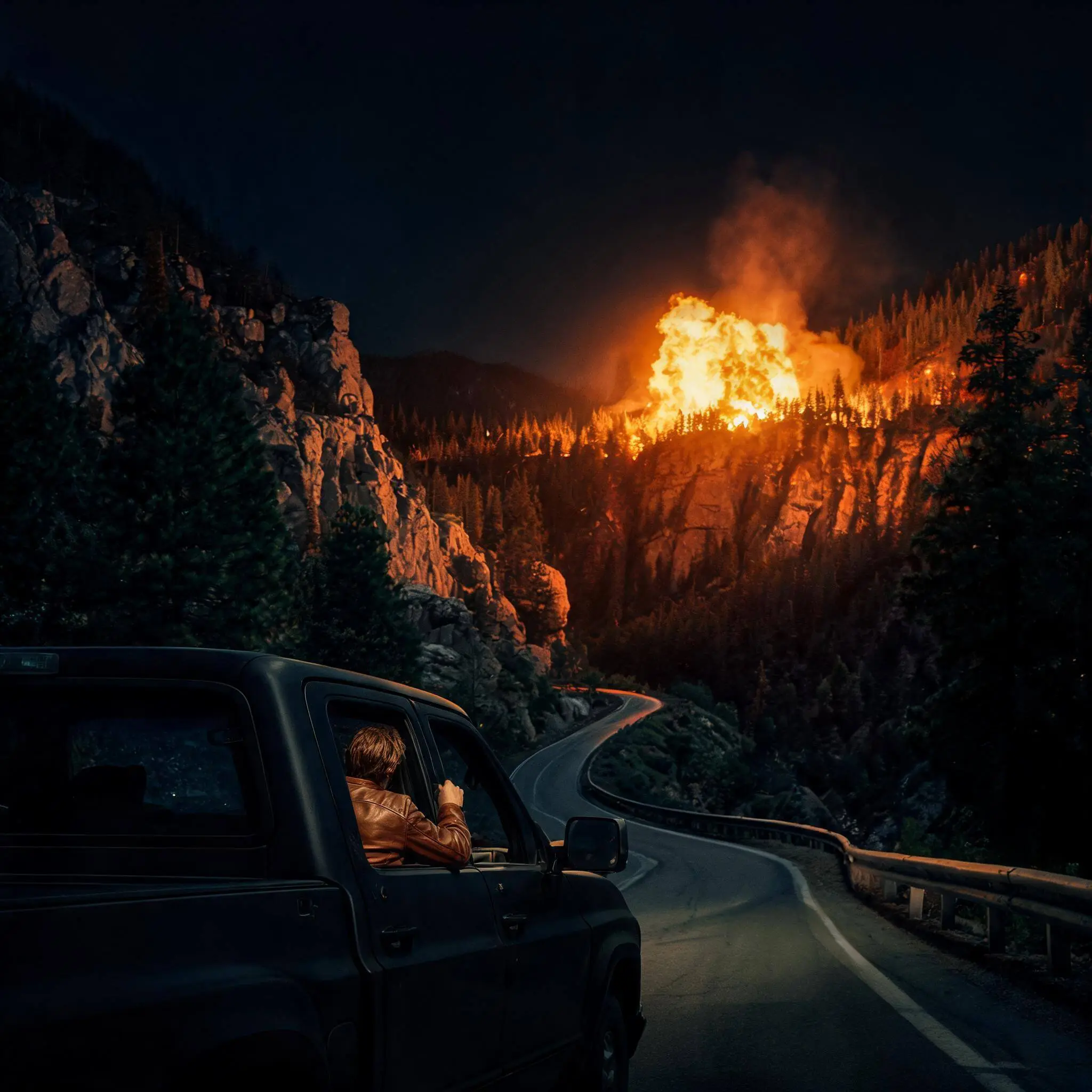
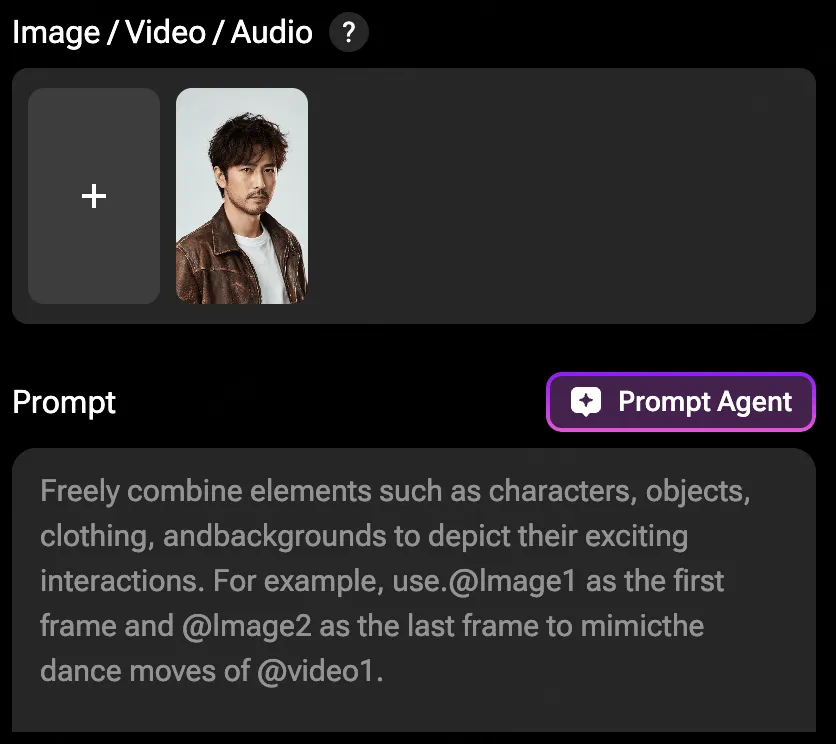
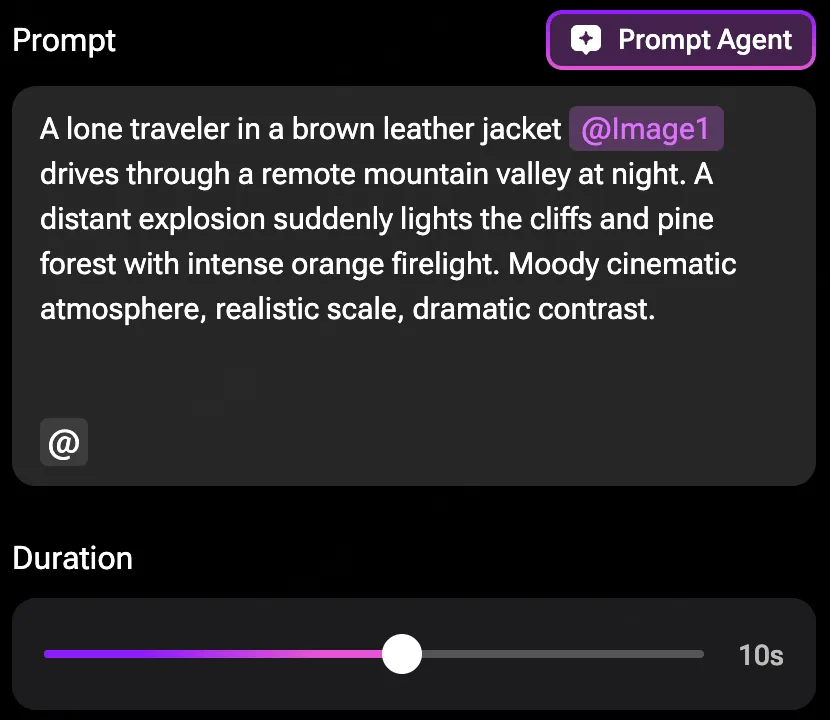
Describe the action, setting, light, framing, and mood that make a moment work. Rather than beginning with a blank timeline, you can develop each shot with a specific creative intention, then revise the prompt or reference whenever the visual needs another pass. The workflow keeps meaningful decisions close to the scene, where they are easiest to make.

Move from scenes to a shareable cut

Generate the moments that matter, compare different directions, and keep refining until the sequence communicates the story you had in mind. LitMedia brings image, video, music, and editing tools into the same creative environment, so you spend less time moving files between products and more time developing the film.

Your story moves forward, one scene at a time.

Move from a rough premise to an editable visual plan. Keep the creative decisions in your hands from the first frame to the final export.

Start with the story

Start with the story

Describe an idea, paste a script, or begin with one memorable scene or character.

Shape the scenes

Shape the scenes

Turn key beats into an editable visual sequence before you generate.

Create and refine

Create and refine

Generate each scene, compare directions, and build the version you want to share.

One creative workspace. More ways to tell a story.

Use the same flexible process for an original short, a music visual, a launch film, or a visual pitch.

Short films

Visualize narrative moments, mood pieces, and cinematic scenes before you commit to a full production. Build a clear sequence from the opening image to the final beat, then refine the atmosphere, pacing, and visual direction as your story grows.

Music visuals

Pair your sound with a sequence that follows its energy, rhythm, and emotional tone. Explore visual motifs, transitions, and recurring movement so the final piece feels connected to the music instead of looking like a collection of unrelated clips.

Brand stories

Create concept films and social-first stories from a creative brief, product idea, or campaign message. Turn a few brand cues into a consistent visual world that your team can review, adapt, and take into the next stage of production.

Visual pitches

Help collaborators see the atmosphere behind a script or idea before a shoot begins. Share a tangible sense of tone, framing, locations, and character movement so creative decisions are easier to discuss and align around.

Frequently Asked Questions about AI Movies Generators

What is an AI movie maker?

An AI movie maker helps you turn a written idea into visual scenes. With LitMedia, you can begin from a prompt or script, plan a sequence, and create video with AI tools in one workspace. It gives you a practical path from the first story beat to a sequence you can review, refine, and share.

Can I start with a script?

Yes. Start with a story outline, a scene description, or a longer script. You can break the story into key beats, decide what each scene needs to communicate, and develop the visual direction step by step instead of trying to generate the entire movie in one prompt.

Do I need to describe camera shots for every scene?

No. Start with the subject, action, setting, and mood, then add a camera choice when the shot needs more control. Terms such as dolly, tracking shot, and locked-off shot can shape how a scene feels. Our prompt guide explains these camera movements with practical examples.

How should I write a description for an AI movie scene?

A useful description usually combines the subject, action, environment, lighting, mood, and framing. Begin with the most important visual idea, keep the action concrete, and add details that support the story rather than filling the prompt with disconnected adjectives.

What if I am not sure how to write the prompt?

You do not need to know the perfect wording before you begin. LitMedia includes a built-in Prompt Agent to help turn a rough idea into a clearer scene description, suggest useful details, and keep the creative direction consistent as you develop more scenes.

Which model is selected by default?

The composer defaults to LitAI 5.5. You can switch the displayed model and aspect ratio before continuing to the LitMedia video creation workspace, depending on the look, speed, and format you need for the project.

Can I create videos for different formats?

The composer includes landscape and vertical selections for common creative outputs. Choose the format that suits your intended channel before creating, and plan the framing around that format so important subjects remain visible from the first frame to the last.

LitMedia

The next scene starts with your idea.

Build your first storyboard and take it from prompt to picture with LitMedia.