Pollo AI Video Generator
Create product videos, UGC-style ads, and social-ready content from a prompt or reference image. Pollo AI helps turn campaign ideas into polished short-form video in minutes.
Upload images or describe the video you want to create.

Key Features of Pollo AI Video Generator
Product Videos from a Single Idea
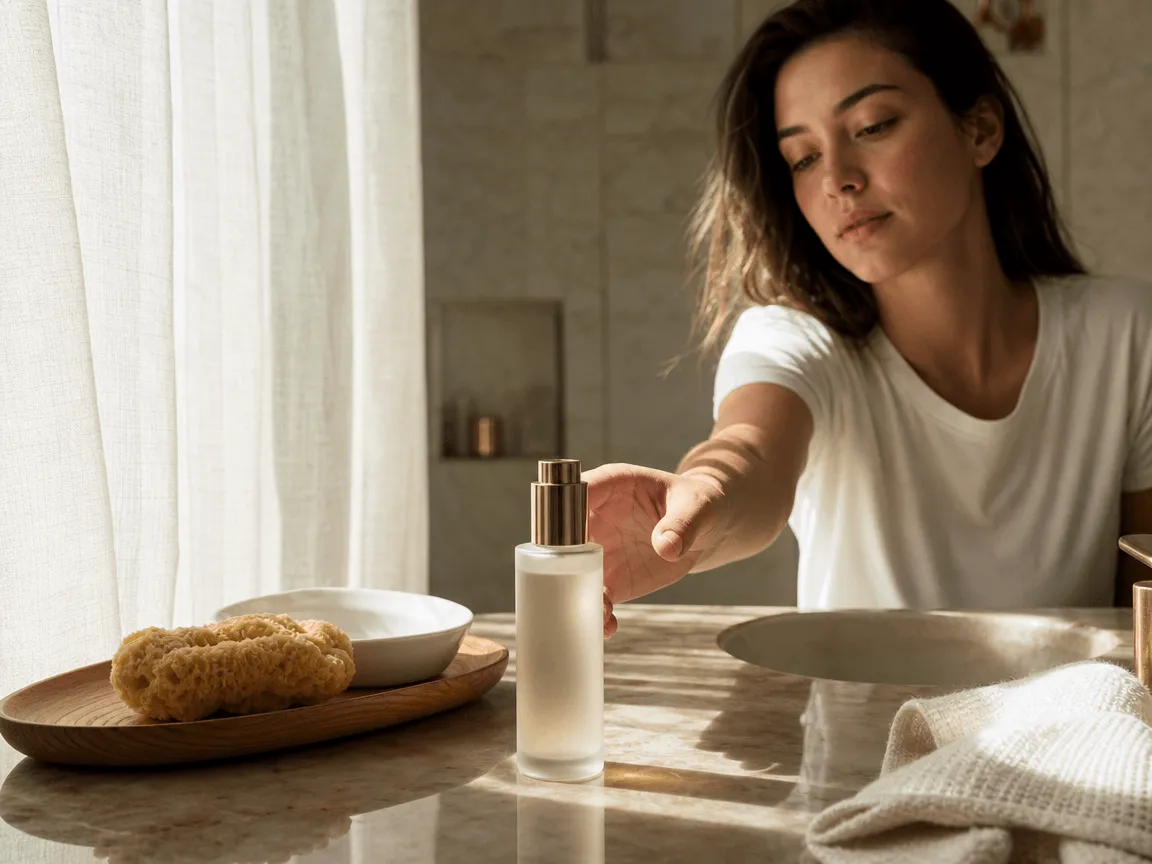
Turn a product image or creative brief into a short visual concept. Describe the product, setting, subject action, lighting, and camera direction to create a focused video draft for a launch, listing, or campaign.
Social-Ready UGC and Ad Concepts
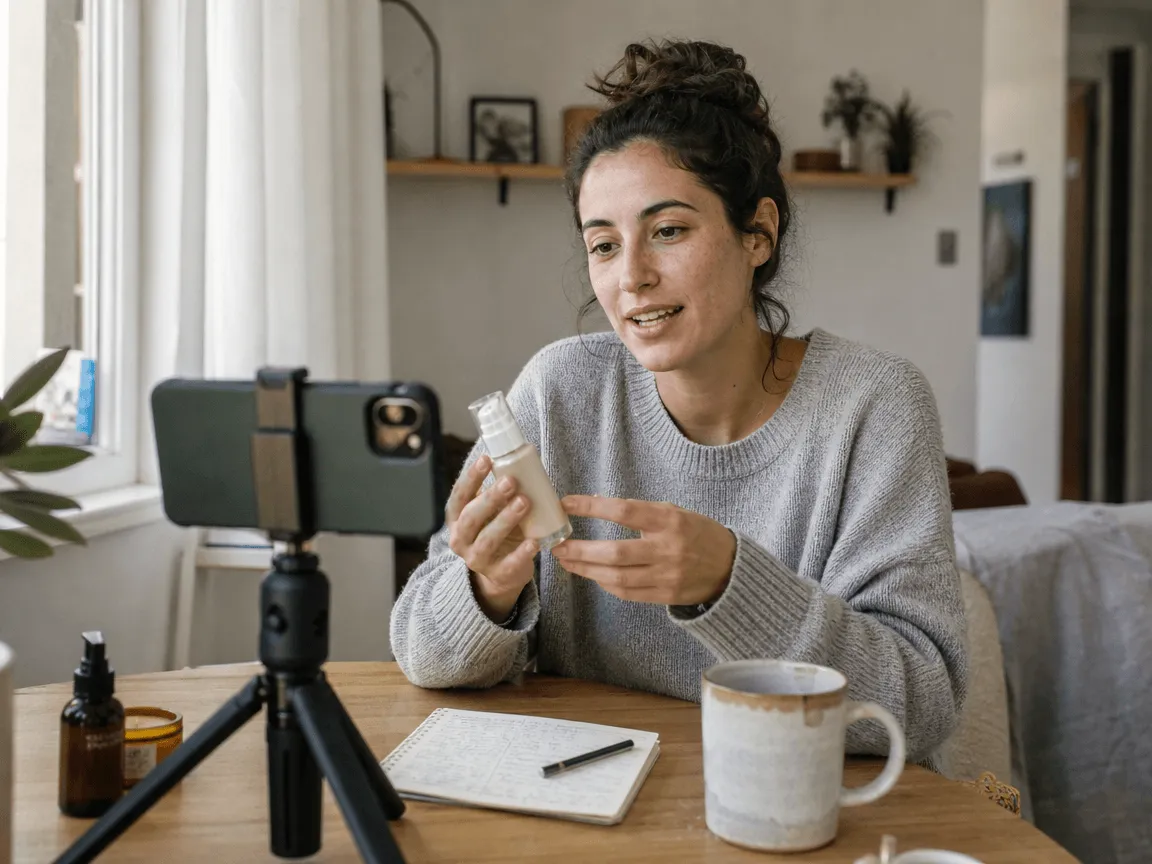
Build natural-feeling short-form content for social feeds. Start with a clear hook, then describe the product benefit, creator-style setting, pacing, and call-to-action you want the video to support.
Control for Every Placement
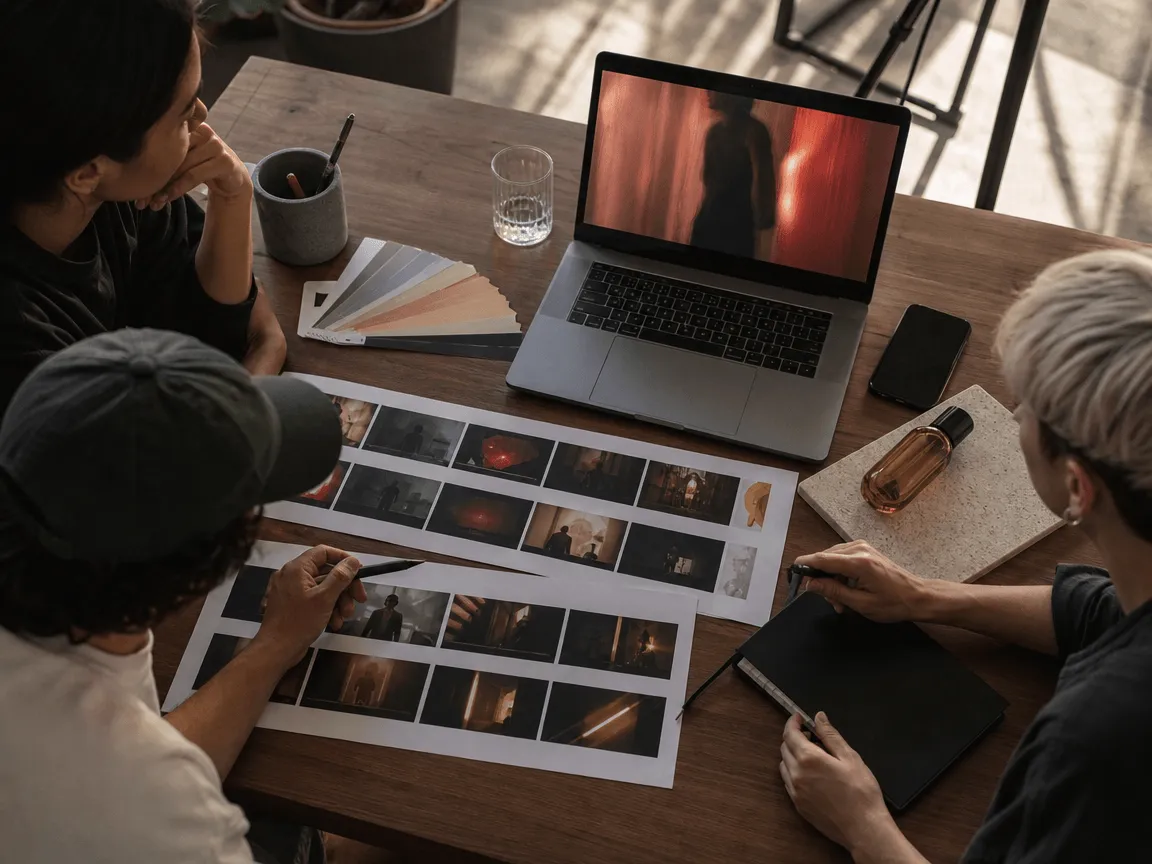
Use text-to-video or image-to-video, then set the duration, resolution, and aspect ratio that best fits your creative direction. Generate variations quickly for different story angles and placements.
How to Use Pollo AI on LitVideo
Select the Pollo AI Model
Choose Pollo AI in the generator at the top of this page to begin your video creation workflow.
Upload Image or Enter Text Prompt
Write a concise prompt or upload a product image. Include the subject, setting, movement, style, and desired social or advertising context to give the model clear direction.
Export Your Video
Select the duration, quality, and aspect ratio, then generate your video. Review the result and create additional variations when you need to test different hooks or creative directions.
Discover More AI Video Generator Models
FAQs of Pollo AI Video Generator
What is Pollo AI?
Pollo AI is a creative platform for making video ads, UGC-style content, product videos, and social media assets from ideas, scripts, images, and references. This page introduces comparable video creation workflows available on LitVideo.
Can I create product videos and UGC-style ads?
Yes. Upload a clear product image or describe the product, audience, setting, camera movement, and visual style in your prompt. This is useful for product showcases, social hooks, and ad concepts.
What inputs can I use to create a video?
You can start with a text prompt or upload one reference image. Combining a specific visual reference with a concise scene description generally gives you more directed results.
Which formats are available for social content?
Pollo AI provides landscape, square, and vertical aspect ratios, so you can create versions suited to feeds, product pages, and short-form social placements.
How can I get better results with Pollo AI?
Use a clear prompt that describes the product, setting, action, lighting, camera movement, and style. When you have a specific visual direction, upload a reference image to give the generation a stronger starting point.

Create Your Next Social Media Video on LitMedia LitVideo
Start with a product image or prompt, then use Pollo AI to generate a polished short video for your next creative brief.