Wan AI Video Generator
Generate cinematic, lip-synced AI videos with consistent characters and native audio. Powered by Alibaba Tongyi Lab's Wan AI (2.6 / 2.5 / 2.2), LitVideo lets you turn text, images, or references into high-quality 1080P multi-shot videos—no filming, no editing, just pure creative freedom.
Upload JPG/JPEG/PNG/BMP images up to 5MB.

Build Your Story with Wan 2.6
Pick a Wan 2.6 template, tweak the prompt, and let the Al do the rest. No editing, no timeline — just cinematic videos in minutes.
 Wan 2.6Wan 2.6Wan 2.6Wan 2.6Wan 2.6
Key Features of Wan AI Video Generator
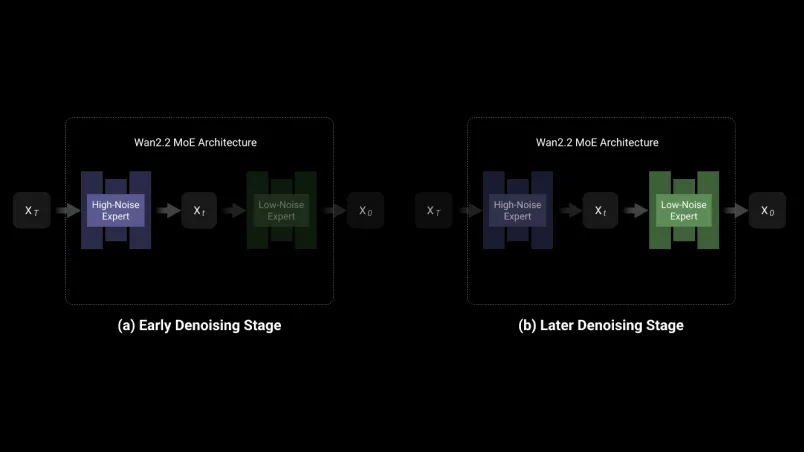
Mixture-of-Experts (MoE) Diffusion Architecture
Wan AI introduces a Mixture-of-Experts approach in its video diffusion model, employing specialized "experts" to manage different stages of video generation, resulting in more accurate layouts, refined details, and cinematic effects.
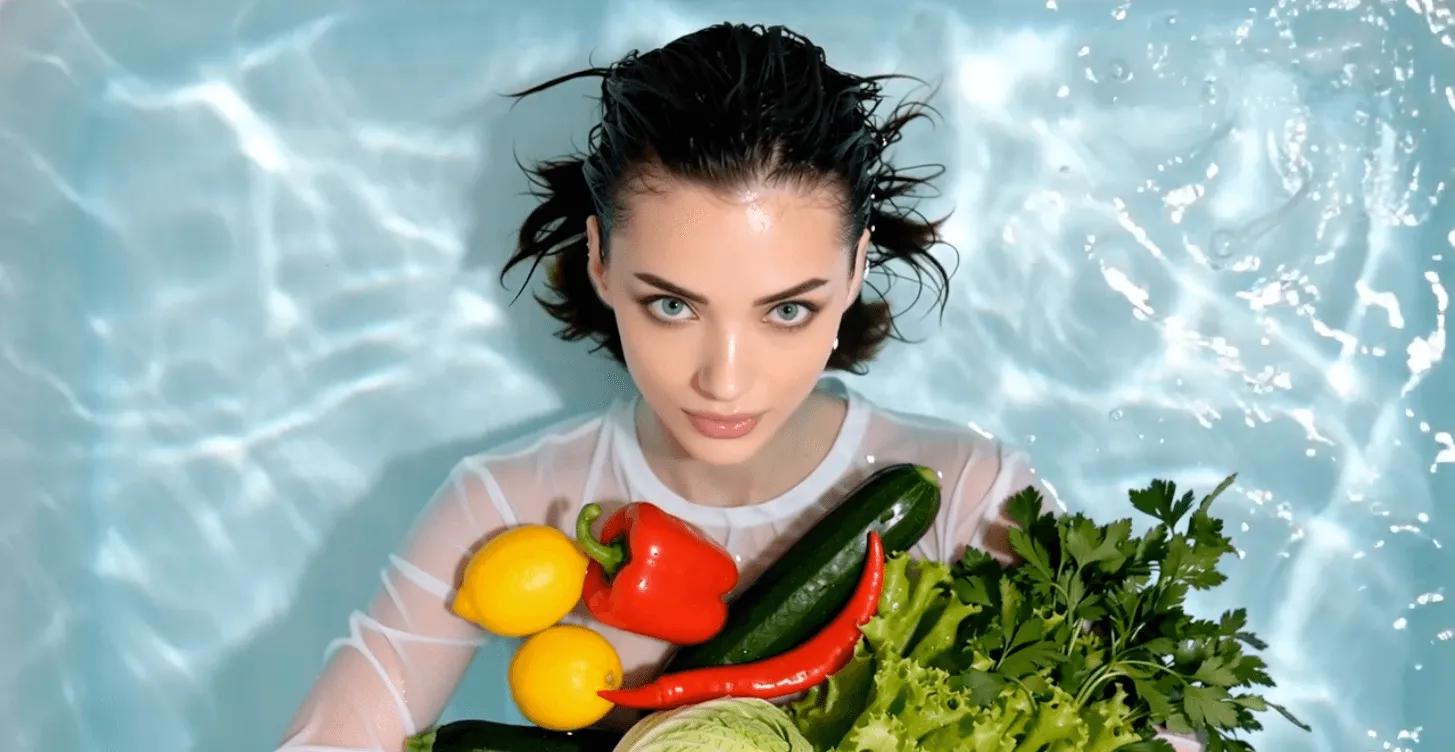
High-Quality Video Output
Supports for professional-grade, smooth, and visually detailed video generation—maintaining consistency in both motion and style.

Optimized for Consumer Hardware
Designed to deliver high-performance video generation even on widely available graphics cards, making advanced AI video tools accessible to more creators.
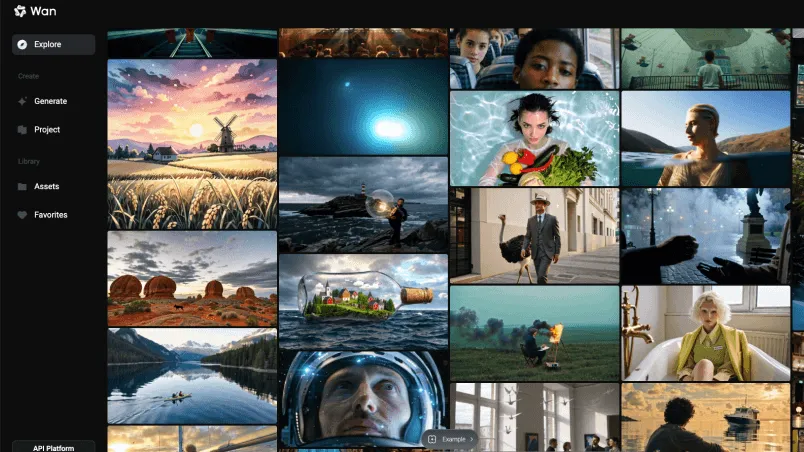
Free and Open-Source Advantage
Wan AI 2.2 is available as a free, open-source model, empowering developers and creators globally to experiment, customize, and innovate without barriers.
How to Use Wan AI on LitVideo
Select the Wan Al Model
Start by choosing the Wan 2.6, Wan 2.5, or Wan 2.2 model from the LitVideo AI model options.
Upload Image or Enter Text Prompt
Upload an image or type your creative idea in the text prompt box to guide your video's style and content.
Export Your Video
Click "Create" and let Wan AI generate a high-quality, vivid video tailored to your prompt—ready to download and share in moments!
YouTube Videos About Wan AI
Wan AI Discussions on Reddit
Twitter Trending Reactions About Wan AI
Discover More Al Video Generator Models
FAQs of Wan AI Video Generator
What is Wan AI Video Generator?
The Wan AI video generator on LitVideo uses advanced AI models (including Wan 2.6 / 2.5 / 2.2) to turn text, images, or reference clips into high-quality videos with synchronized audio and visual continuity.
What's the difference between Wan 2.6 and earlier versions?
Wan 2.6 offers multi-shot storytelling, full video reference support, native A/V synchronization, and up to 15-second 1080p outputs—improving consistency and cinematic quality over older versions.
What kinds of inputs does Wan AI support?
You can generate videos from text prompts, image inputs, or reference videos, making creative workflows flexible and powerful.
How long can the videos be?
With Wan 2.6, videos can be up to 15 seconds long, offering richer narratives and smoother transitions.
What resolution and quality can I expect?
Generated videos can reach 1080p at 24 fps with cinematic detail, realistic motion, and synchronized audio.
Do I need coding or editing experience to use it?
No. Wan AI simplifies video generation into an intuitive prompt-based workflow—no filming equipment, manual editing, or technical skills required.
What's the best use case for Wan 2.5?
Wan 2.5 excels in fast draft generation and everyday content tasks, making it suitable for quick content creation and high‑volume iterations.
How do I start using Wan AI on LitVideo?
Select your preferred Wan model on LitVideo, upload an image or enter a text prompt, and click "Create"—the AI handles the rest.

Ready to Create with Wan AI Video Generator?
Experience the power of Wan AI 2.6 and turn your ideas into stunning visuals. Start creating now with LitVideo—where inspiration meets innovation!