



If you've ever wished you could create stunning, professional-grade videos in minutes, you're not alone. With the rapid rise of AI video generators, turning your ideas into dynamic visual stories has become easier than ever. LitVideo now offers access to powerful models like Veo 3 and Veo 3 Fast—at half the official price! Whether you're a marketer, content creator, or just curious, this guide will show you exactly how to use Veo 3 & Veo 3 Fast on LitVideo, with practical tips and inspiring examples.
In This Article
01 Veo 3 and Veo 3 Fast Overview
Veo 3 and Veo 3 Fast are advanced AI video models designed to generate high-quality videos from simple user inputs. Veo 3 excels in comprehensive video generation, offering rich features and superior quality, while Veo 3 Fast delivers rapid results—perfect for those who value speed without compromising creative flexibility.
Both models support core functions:
- Text to Video: Turn your written prompts into engaging footage.
- Image to Video: Animate still images or photo collections.
Veo 3 provides more customization options, while Veo 3 Fast is geared toward quick rendering, ideal for tight deadlines or iterative content creation.
02 Why Choose Veo 3 and Veo 3 Fast?
So why are creators flocking to Veo 3 and Veo 3 Fast?
- Cutting-Edge Technology: Both models leverage state-of-the-art AI, producing videos that look realistic, cohesive, and visually appealing.
- Efficiency: Save hours or even days in production time, whether you need storyboards or final edits.
- Versatility: Suitable for marketing campaigns, social media, education, YouTube, product demos—you name it!
- Affordable Access: With LitVideo's exclusive offer, you get all these capabilities for just half the official price!
- User-Friendly Workflow: No technical skills required; simply input your ideas and let the AI do the magic.
Have a scenario in mind? Let us know in the comments—your use case might inspire others!
03 Step-by-Step Guide—How to Use Veo 3 & Veo 3 Fast on LitVideo
Wondering how to get started? Follow these simple steps:
Navigate to LitVideo's website and create your free account. Returning users, simply log in.
Select from a menu of AI tools. Are you animating text, an image, or extending a video? Click the option that suits your project.
Pick between Veo 3 for advanced options or Veo 3 Fast for swift results.

Customize your video:
- Aspect ratio (16:9, 3:4, 9:16, etc.)
- Style (realistic, cartoon, cinematic, etc.)
- Duration (how long the video will run)
Enter your prompt or upload your images. Hit "Create" and LitVideo will process and show you a preview.
Love your video? You can download it or extend it, make further edits, and share to social media!

04 Top AI Video Showcases: Created with Veo 3 and Veo 3 Fast on LitVideo
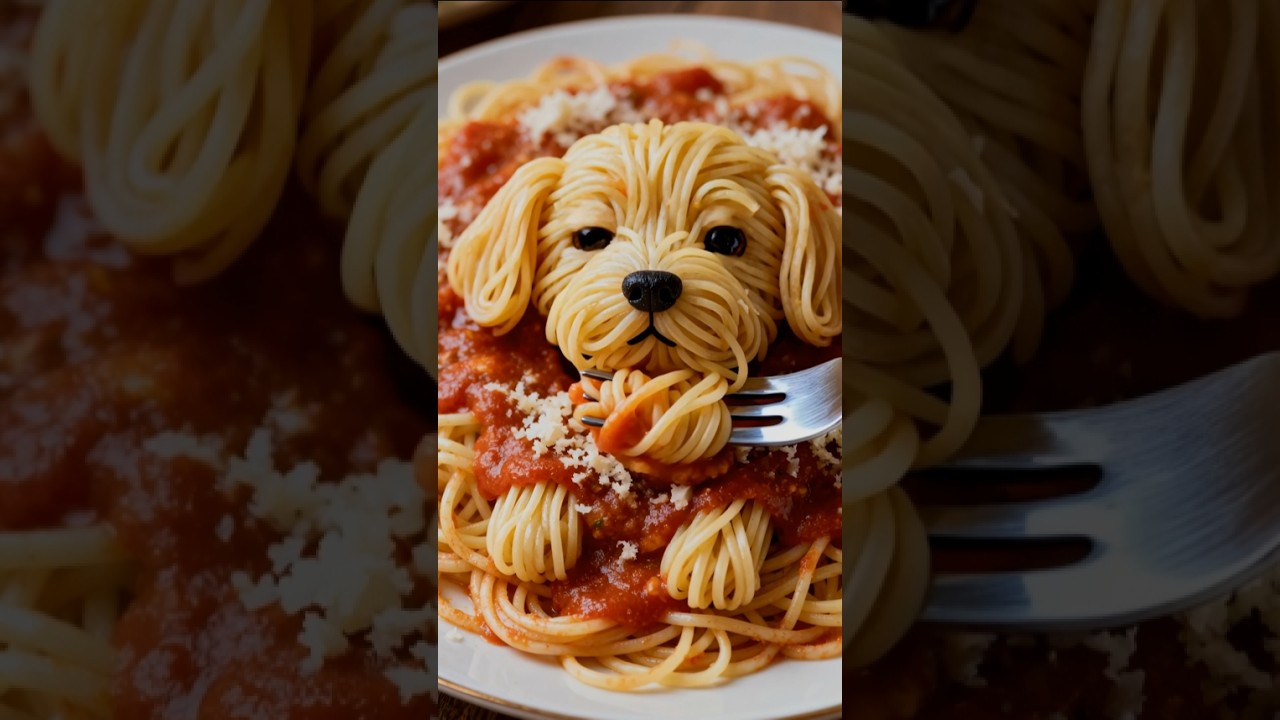
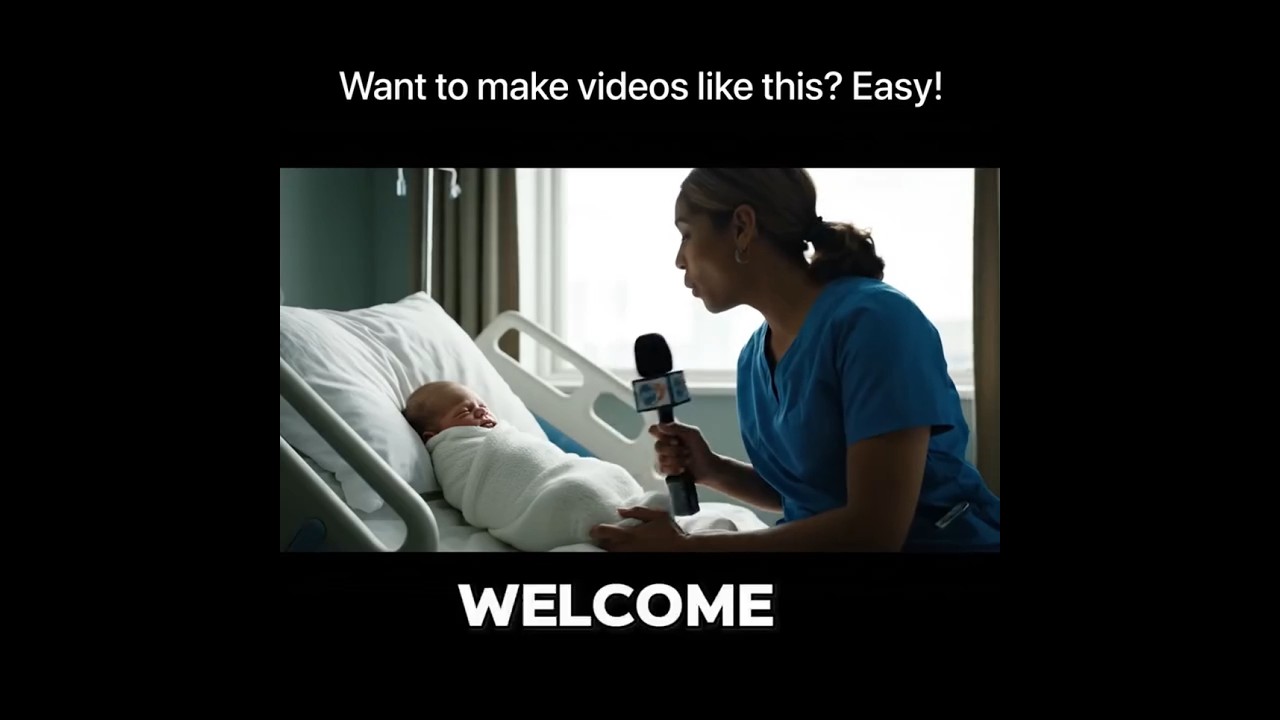
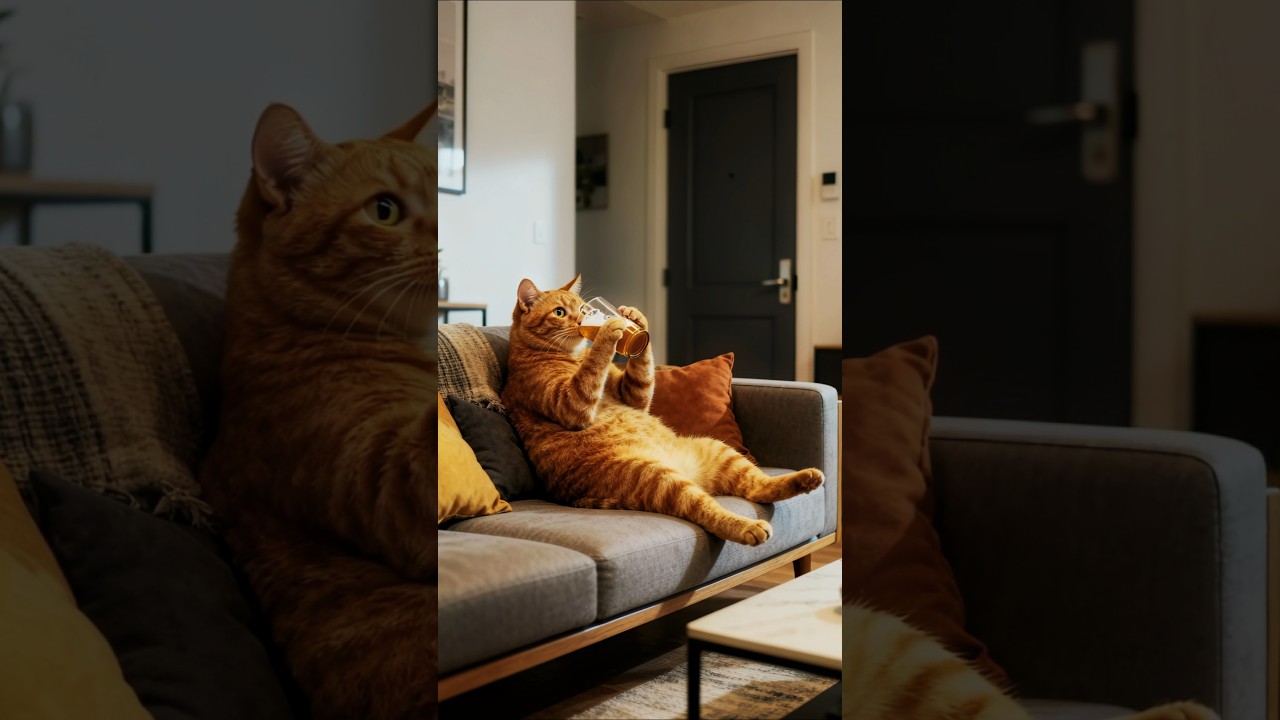
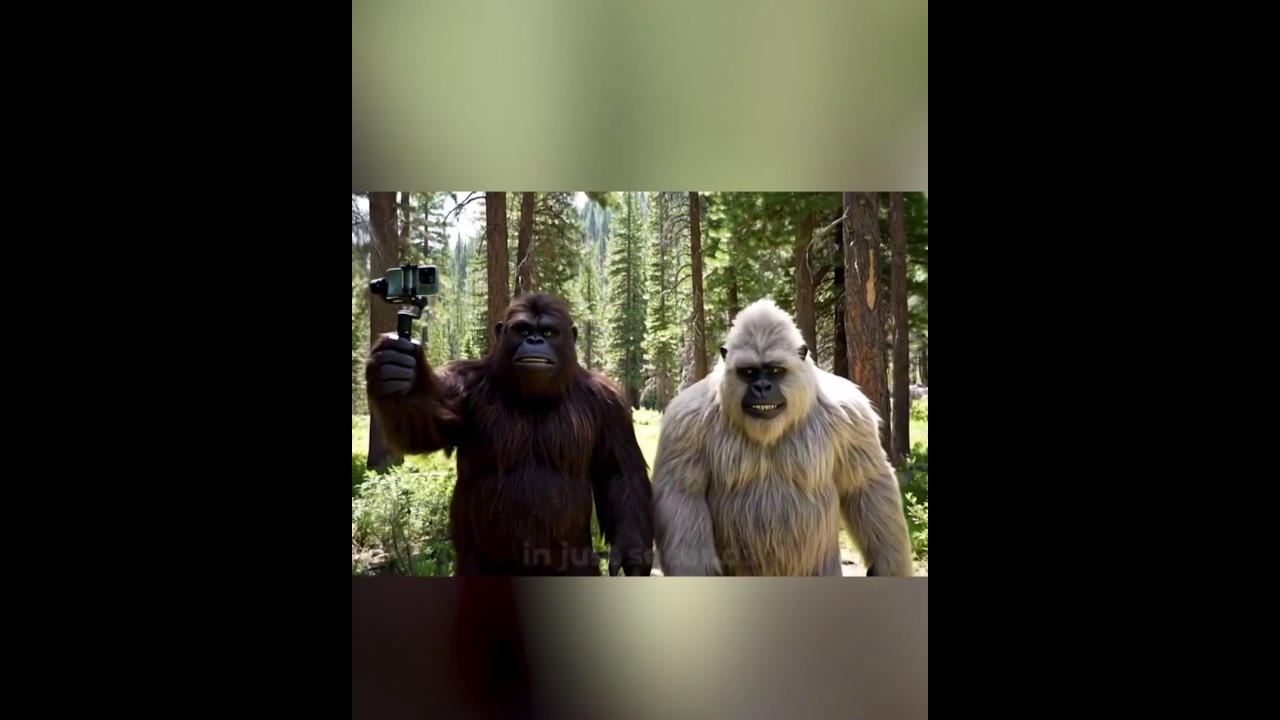
Curious about what's trending in the world of AI-generated videos? With Veo 3 and Veo 3 Fast on LitVideo, users are creating content that's not just innovative but genuinely entertaining. From viral AI baby interview videos to creative product demos and imaginative social stories, these models empower you to bring any idea to life in minutes.
Below, we've gathered a few standout examples to spark your inspiration. Dive in and see how creators are using LitVideo's advanced AI tools to make content that's fresh, engaging, and share-worthy!
Want to see more? Check out LitVideo's user gallery—or share your own creation in the comments!
05 How to Prompt Veo 3/Veo 3 Fast for the Best Results
Getting the best outcome is all about communicating clearly with the AI—but don't worry if you're not a pro at writing prompts! Veo 3 and Veo 3 Fast are designed to be user-friendly, and LitVideo offers built-in tools to help you craft the perfect prompt every time.
Here are some quick tips to help you get great results:
- Be Specific: Instead of just typing “dog running,” try something like “a golden retriever playing fetch in a sunny park.” The more detail you provide, the more tailored and visually appealing your video will be.
- Include Mood or Style: Want your video to look a certain way? Add style keywords like “cinematic,” “cartoon,” “vibrant colors,” or “dreamy atmosphere” to set the tone.
- Combine Media: For even richer results, upload an image and add a descriptive caption. This helps the AI better understand your creative vision.
- Experiment: Don't hesitate to try different prompt structures and preview the variations. Sometimes a simple change in wording can make a big difference.
Feeling stuck? No problem!LitVideo features an AI-powered prompt assistant that can optimize your ideas or even generate complete prompts for you. Just enter a basic concept or keywords, and the tool will suggest detailed, creative prompts tailored for Veo 3 and Veo 3 Fast. This way, anyone can create compelling videos—no writing experience required.

06 Frequently Asked Questions
1. How long does it take to generate a video with Veo 3 or Veo 3 Fast?
Veo 3 Fast typically renders a short video in under 1-2 minutes, while Veo 3 takes seven to ten minutes depending on the complexity.
2. Do I need any editing or technical experience?
Not at all! The interface is designed for anyone to use, no previous video editing skills required.
3. How do I access Veo 3 for 50% off?
Sign up through LitVideo's special access page, select the Veo 3 model, and enjoy the discounted price automatically. Act fast—this deal may be time-limited!
Conclusion
AI-powered video generation is revolutionizing content creation, and models like Veo 3 and Veo 3 Fast make it easier—and more affordable—than ever. Whether you're building your brand, engaging an audience, or simply experimenting with new technology, these tools on LitVideo offer endless possibilities.Ready to try? Register today, claim your 50% off access, and let your imagination run wild. If you have questions or want to share your AI video journey, drop a comment below or contact us at support@litmedia.ai—we'd love to hear from you!
Share article: